How to do it
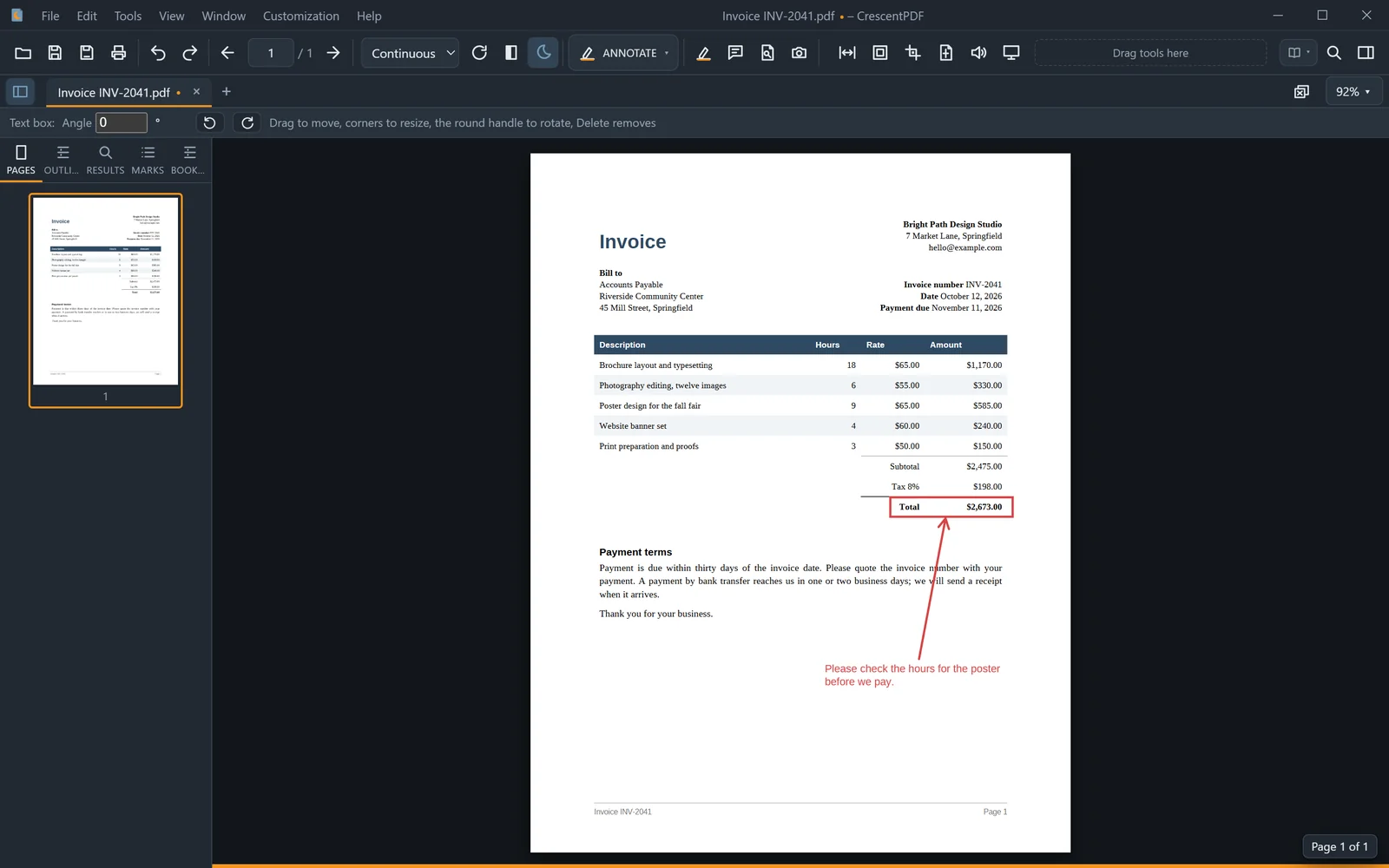
Point things out with a box or an arrow, or type text anywhere on the page.
- Click ANNOTATE on the toolbar and choose Shapes (Rectangle, Ellipse, Arrow or Line) or Text Box. In the menu bar, they're under Tools > Draw.
- Drag on the page to draw a shape. For a text box, click where it should go and type.
- Change the color and thickness (or a text box's size) in the options strip. Drag the handles to resize. Text boxes also have a round handle to turn them.
- Save to keep them in the file.
 (opens full size in a new tab)