How to do it
Measure lengths and areas on plans and drawings, to scale.
- Press M, or choose Measure in the ANNOTATE button on the toolbar or in the Tools menu.
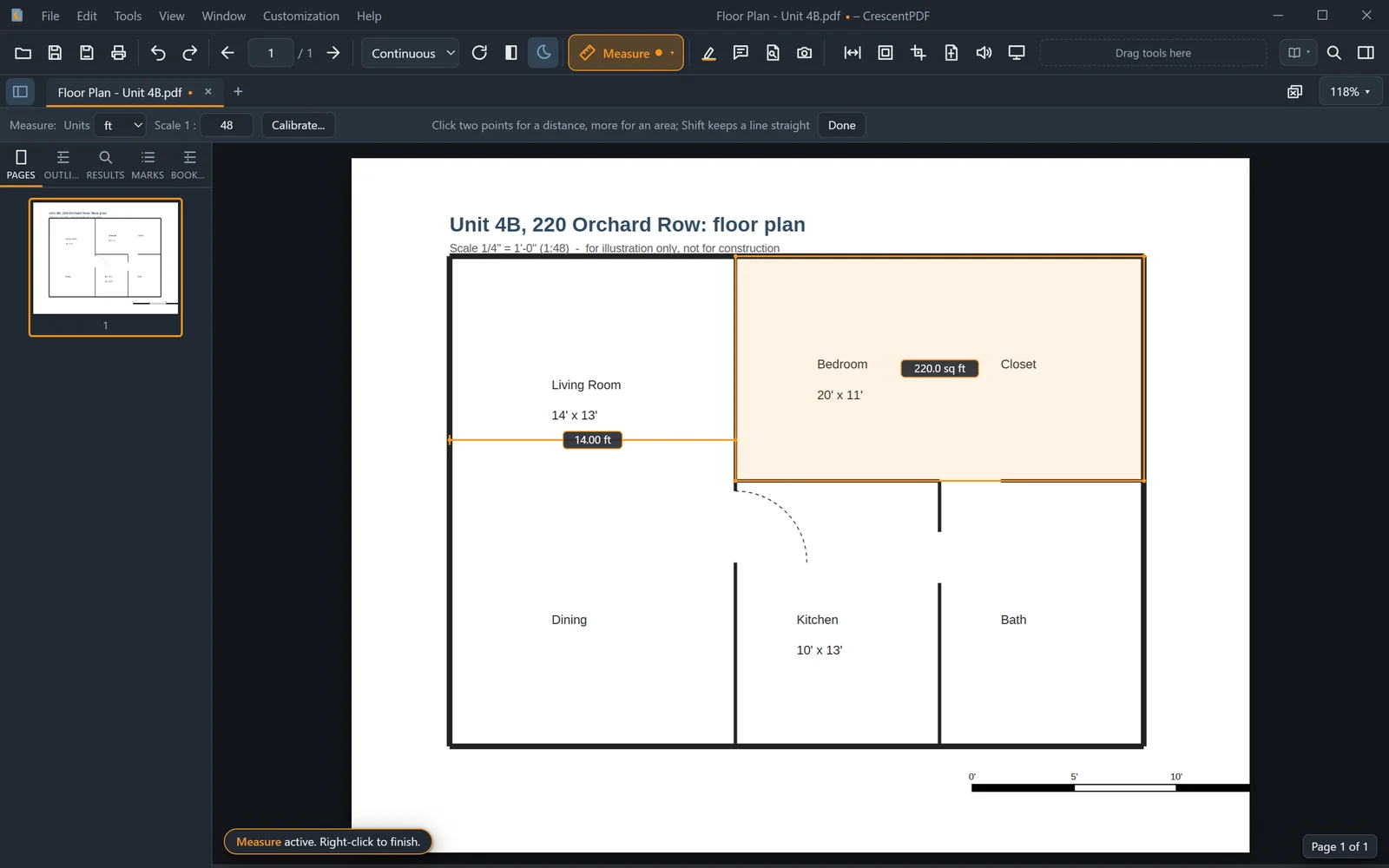
- Click two points for a distance. Keep clicking to measure an area.
- Set the units (in, ft, mm, cm, m or pt) and the drawing's scale in the options strip. Or click Calibrate, click two points, and type their real distance.
- Press Enter or double-click to keep it as a mark. Esc throws it away.
 (opens full size in a new tab)