How to do it
Sketch, circle things or write by hand, with a mouse, a pen or a stylus.
- Choose Pen in the ANNOTATE button on the toolbar, or Tools > Draw > Pen (or press Ctrl+K and type "pen").
- Draw on the page. With a stylus, pressing harder draws a thicker line.
- Change the color and thickness in the options strip under the toolbar.
- Right-click or press Esc to stop. The Eraser removes strokes. Save to keep them.
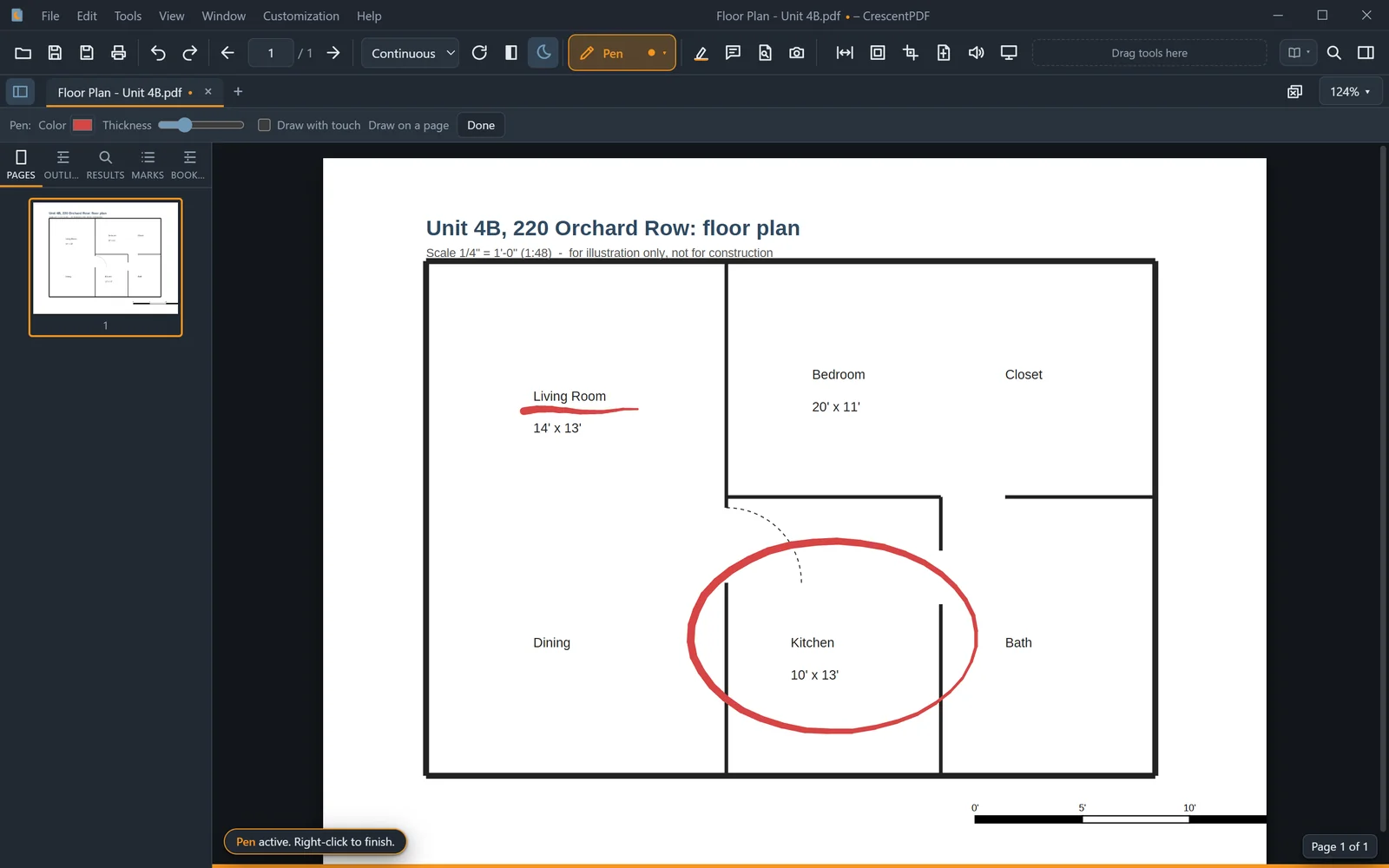 (opens full size in a new tab)