How to do it
Cut pages down for good, or just hide wide margins while you read.
- To crop for good, choose Crop Pages (or press Ctrl+K and type "crop").
- Drag a box around the area to keep and click Apply crop. It crops the pages selected in the thumbnails, or just the page you drew on. Then save.
- To hide margins only while you read, choose View > Trim Margins (Ctrl+Alt+T). Every page is shown cut to its text, so it fills the window.
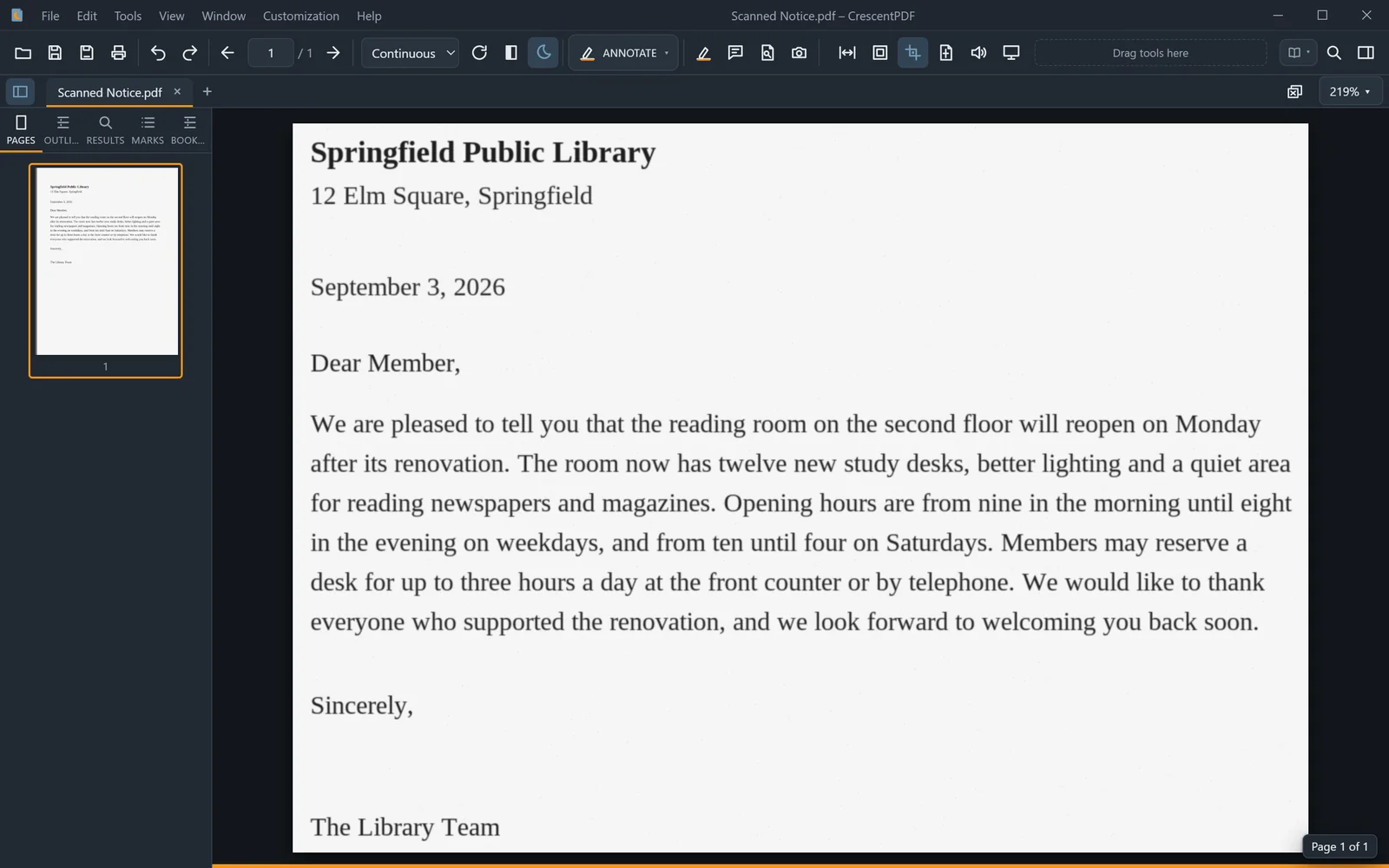 (opens full size in a new tab)