How to do it
Turn pages that came out sideways or upside down, and save them the right way up.
- Open the PDF.
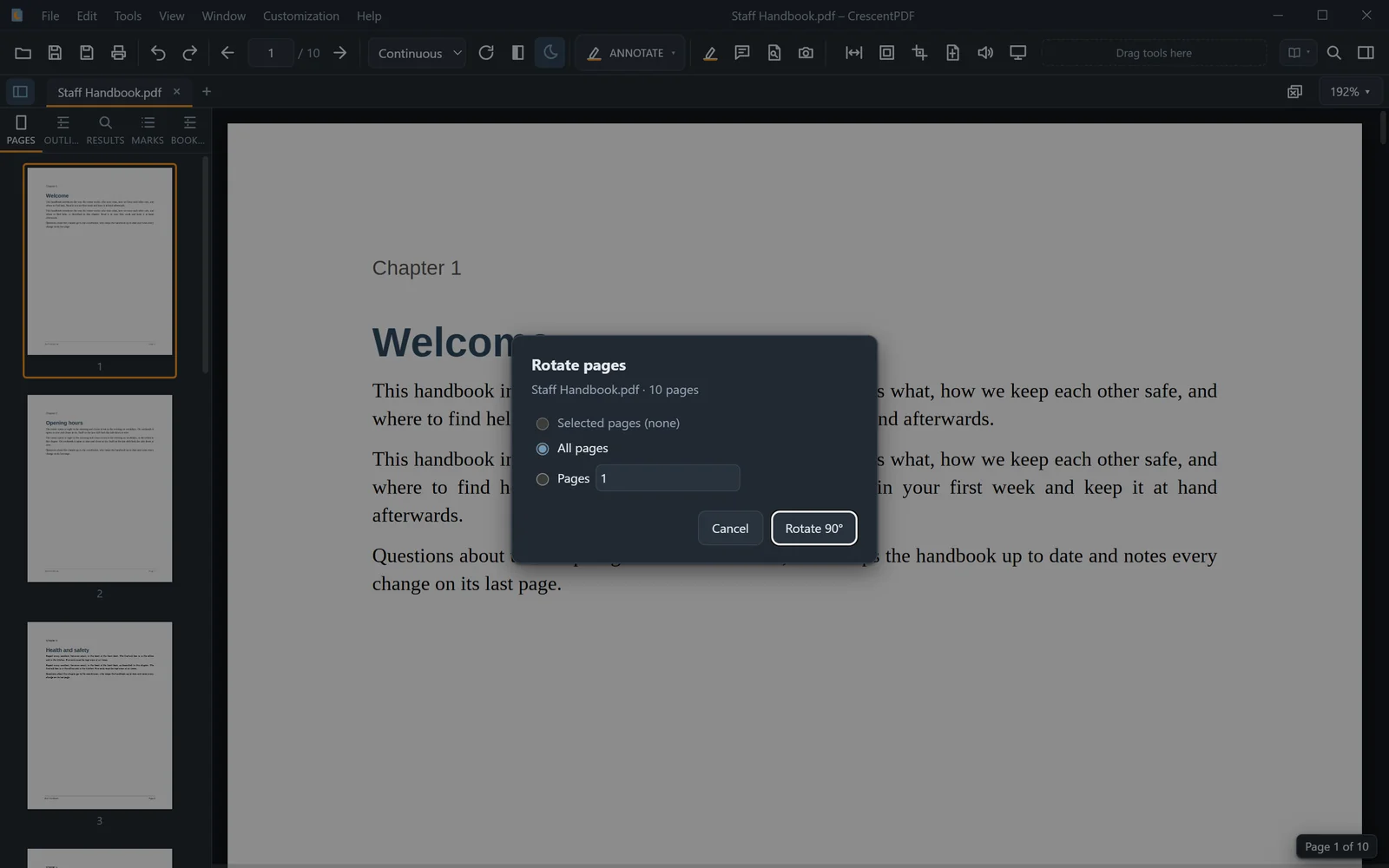
- Open the Tools menu, choose Page Tools, then Rotate Pages (or press Ctrl+K and type "rotate pages").
- Choose the pages and click Rotate 90°. Each click turns them a quarter turn clockwise, so click twice to turn them upside down.
- Save the file to keep the change.
 (opens full size in a new tab)