How to do it
Take pages out, add a blank page, or bring in pages from another file.
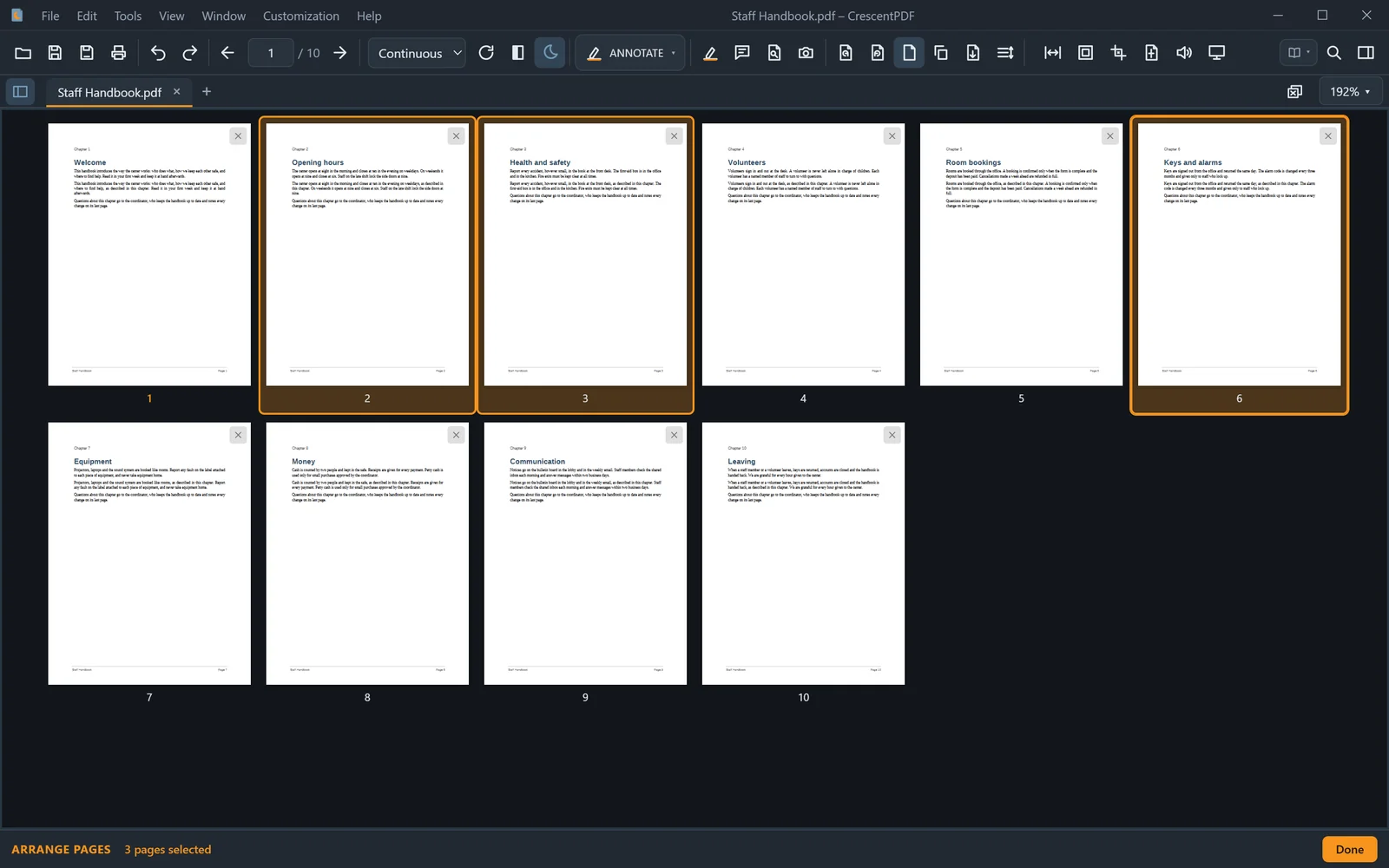
- Open the PDF and press Ctrl+E for Arrange Pages, a grid of every page.
- To delete, click the × on a page, or select several and press Delete.
- To add a blank page, select the page it should follow and choose Insert Blank Page.
- To add pages from another PDF, drag that file from File Explorer into the grid, where they should go. Save when you're done.
 (opens full size in a new tab)