How to do it
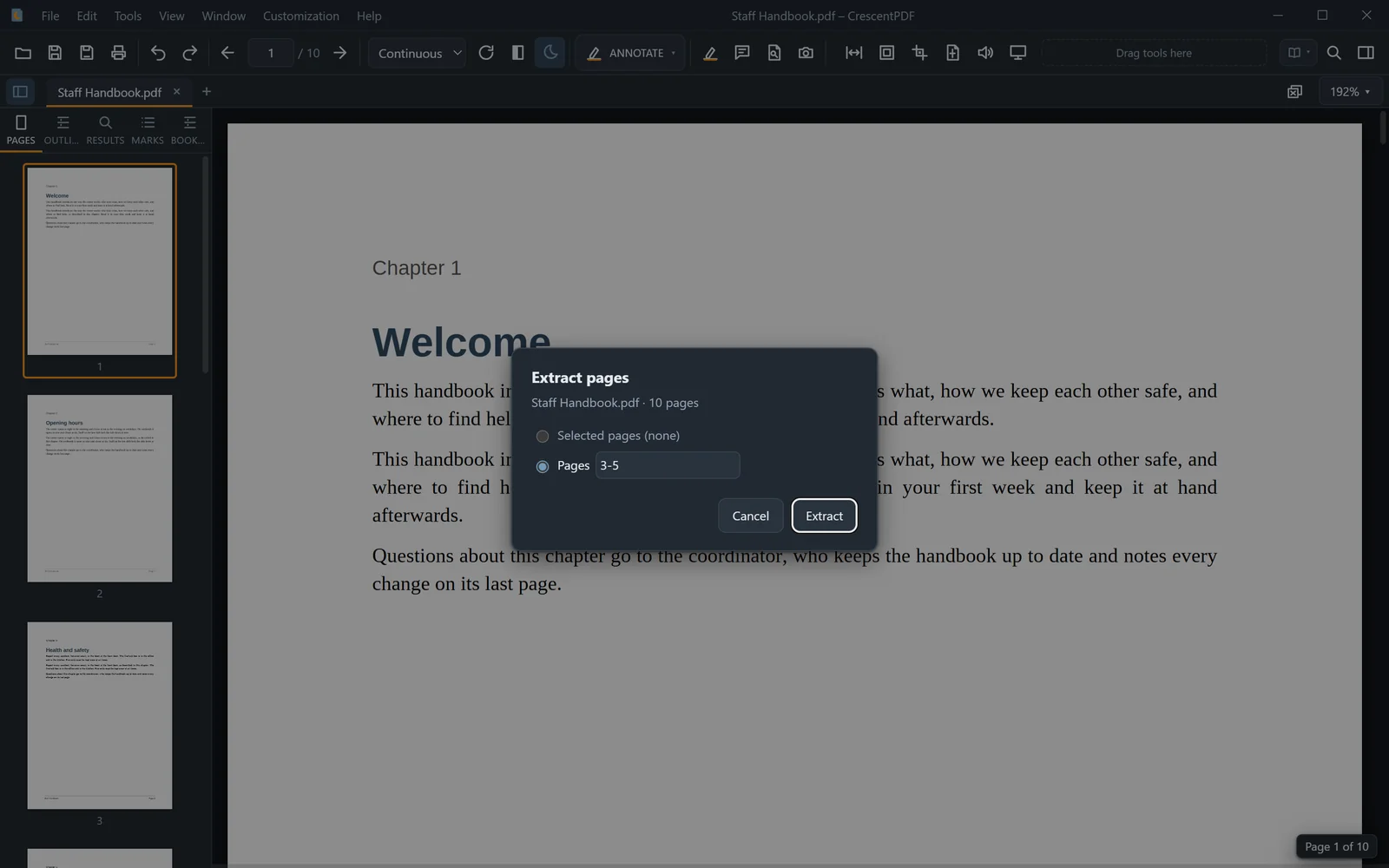
Take a few pages out into a new PDF. The original stays as it is.
- Open the PDF.
- Open the Tools menu, choose Page Tools, then Extract Pages (or press Ctrl+K and type "extract").
- Choose the pages to take out.
- They open in a new tab. Press Ctrl+S to save them as a new PDF.
 (opens full size in a new tab)