How to do it
Change the paper size of some or all pages, for example a document from abroad in A4 that has to print on US Letter.
- Open the PDF. To resize only some pages, select them in the thumbnails first.
- Choose Tools > Page Tools > Resize / Scale Pages (or press Ctrl+K and type "resize").
- Choose Fit to paper and a size (Letter, Legal, Tabloid, A4, A3 or A5), or Scale to a percentage.
- Check the pages, then save.
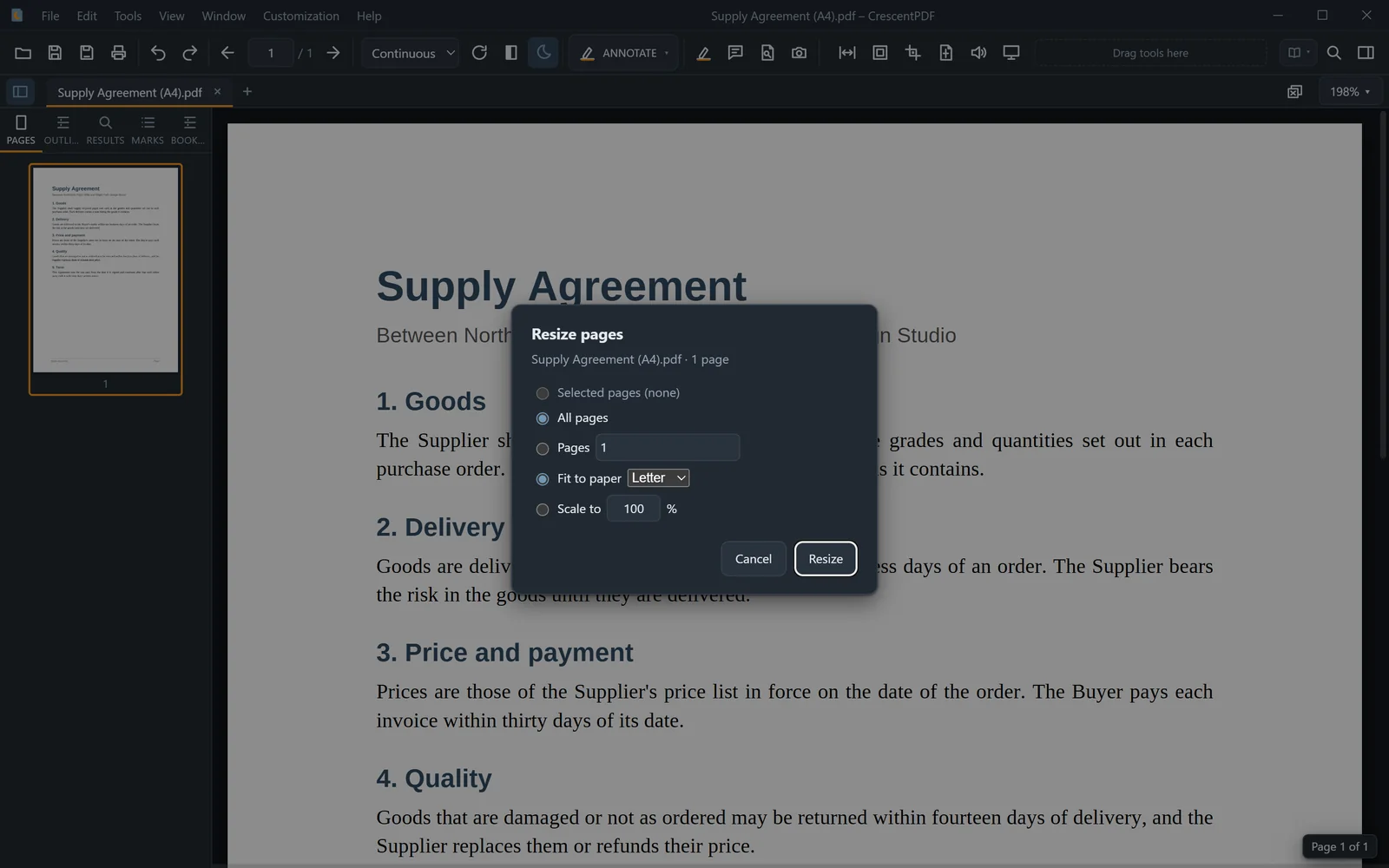 (opens full size in a new tab)