How to do it
Print the pages you want, with or without your marks.
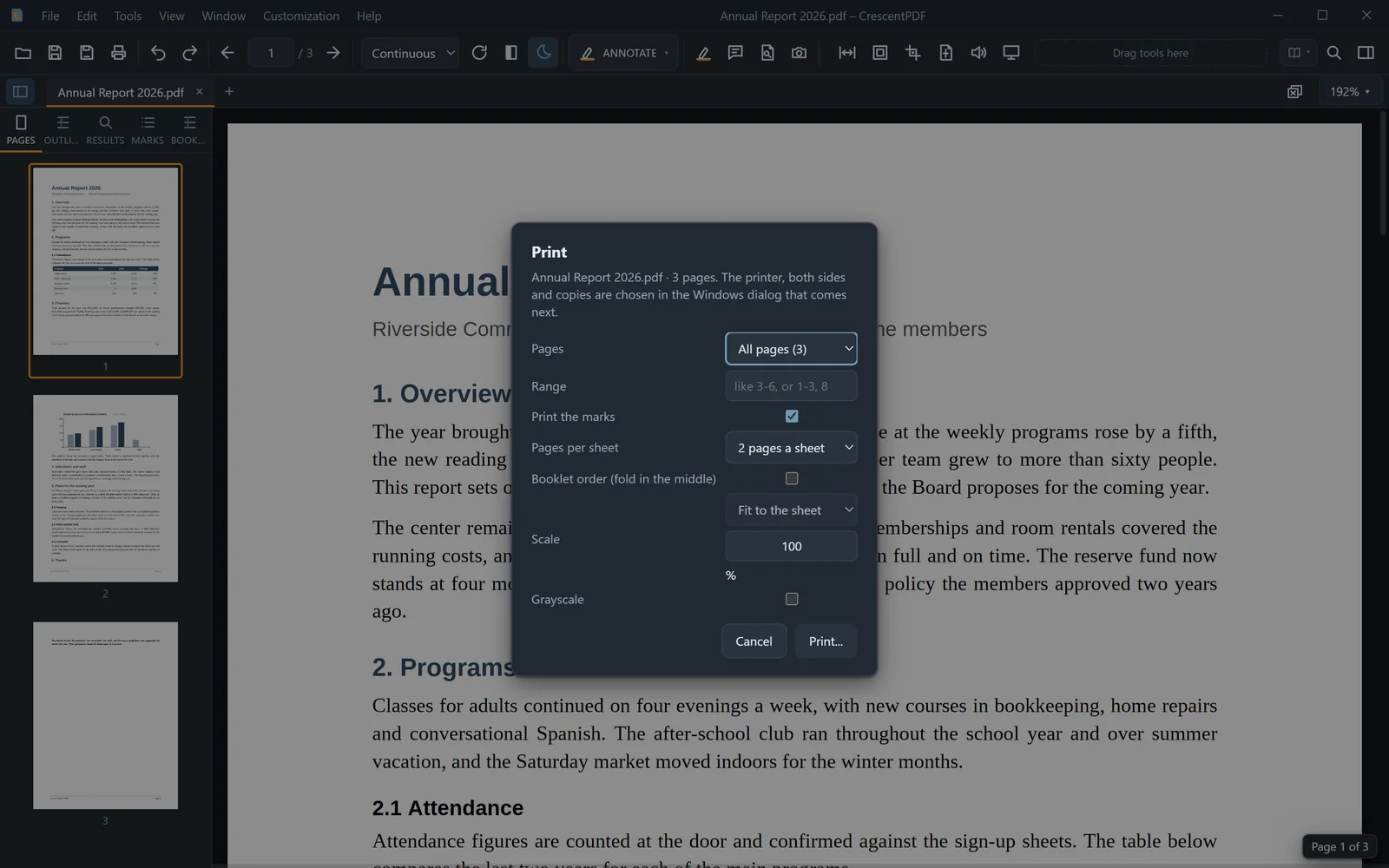
- Open the PDF and press Ctrl+P.
- Choose the pages: all, the current page, the pages you selected, or a range. Choose whether your marks print.
- If you like, print 2 or 4 pages per sheet, in booklet order for folding, at a different scale, or in grayscale.
- Continue to Windows' print window to choose the printer, both sides and the number of copies.
 (opens full size in a new tab)