How to do it
Send the file you're looking at without hunting for it in File Explorer.
- Open the File menu and choose Send as Attachment, or right-click the file's tab.
- If you have unsaved changes, CrescentPDF asks first, and can attach a copy that includes them. Your file isn't changed.
- Your mail program opens a new message with the PDF attached. Write it and send.
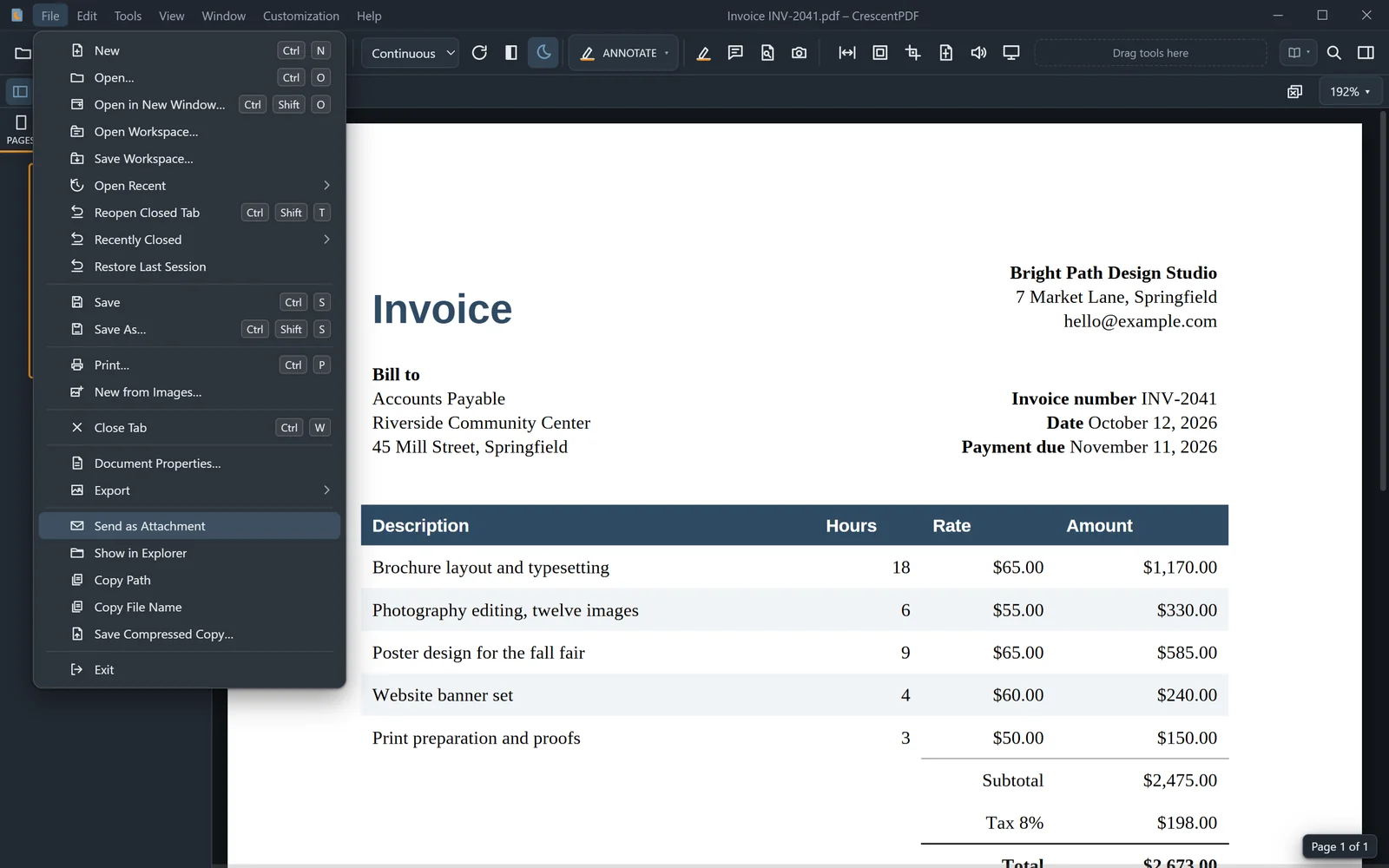 (opens full size in a new tab)