How to do it
Check a footnote or a cross-reference without losing your place.
- Rest the pointer on a link in the document: a footnote marker, a citation, a contents entry or a "see Section 4".
- After a moment, a card shows the place it points to, with its page number.
- To go there, click the link itself (Ctrl+click opens it in a new tab). Move away or press Esc to close the card.
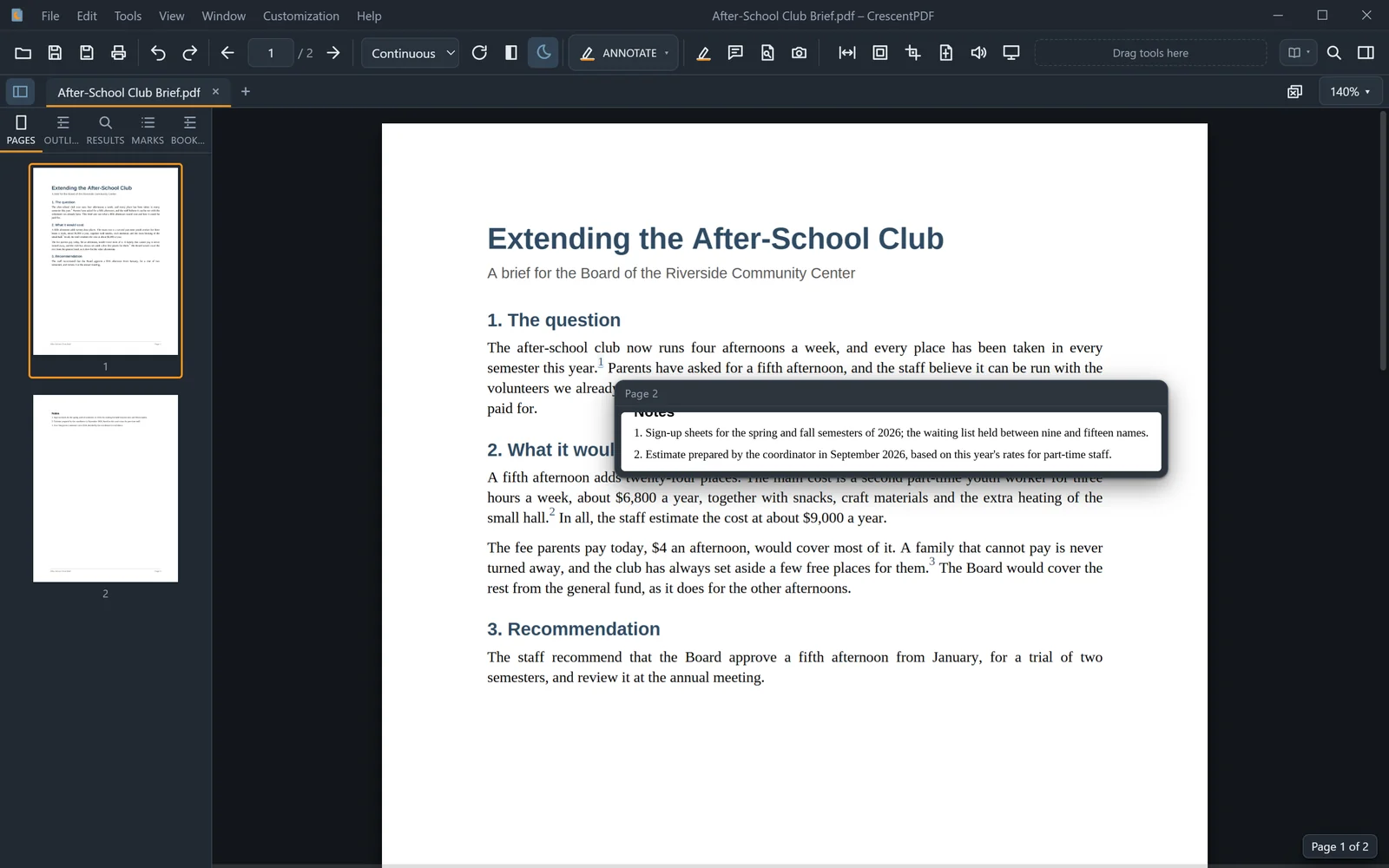 (opens full size in a new tab)