How to do it
Keep the definitions on page 3 in view while you read page 40.
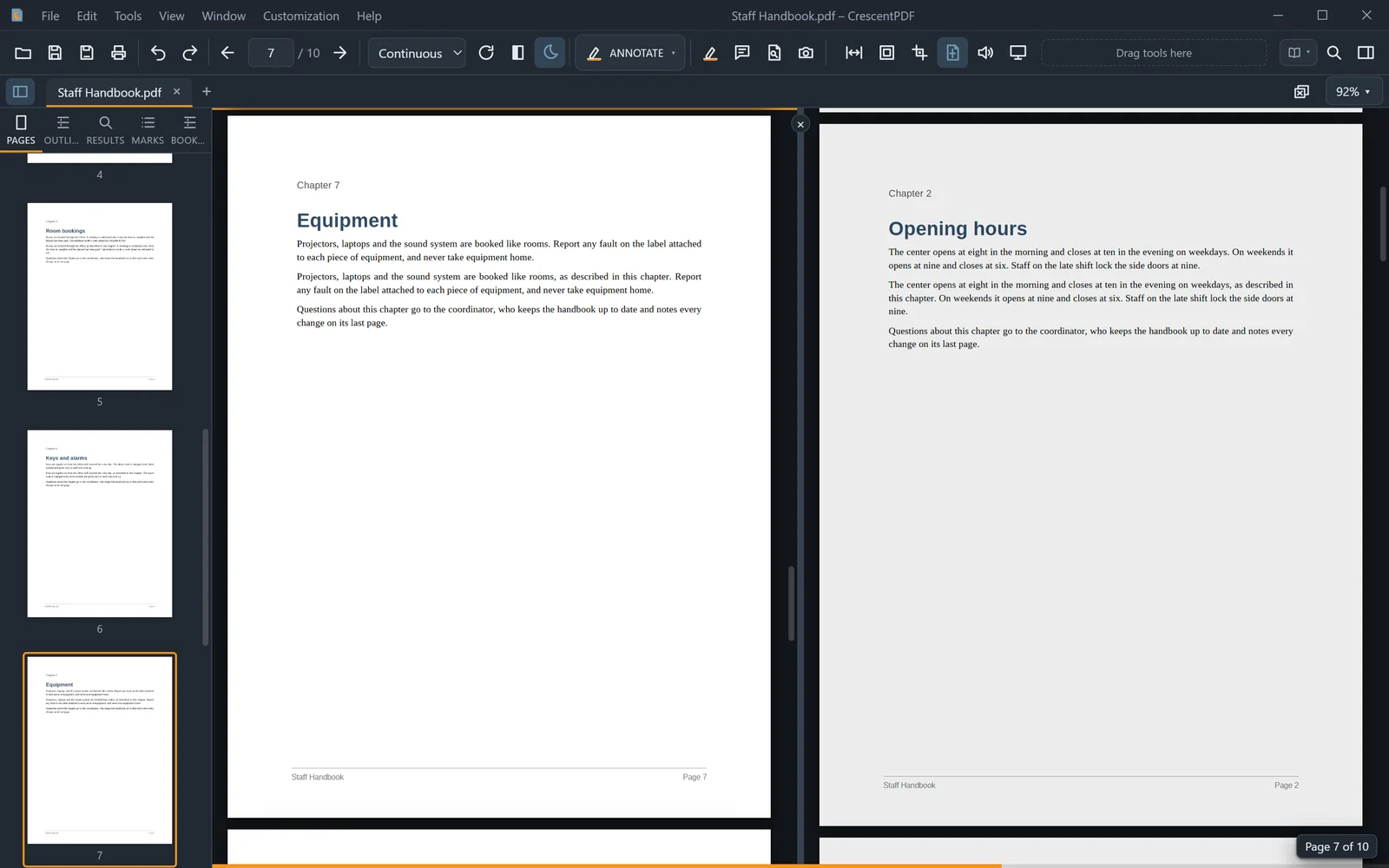
- Open the View menu and choose Split View, or press Ctrl+Alt+\.
- The document shows in two panes, each with its own page and zoom.
- Click a pane, or press F6, to work in it. Find, the page box and the tools act on that pane.
- Drag the divider to resize the panes. Its ×, or Split View again, closes the split.
 (opens full size in a new tab)