How to do it
Every PDF opens in its own tab, and every file remembers the page and zoom you left it at.
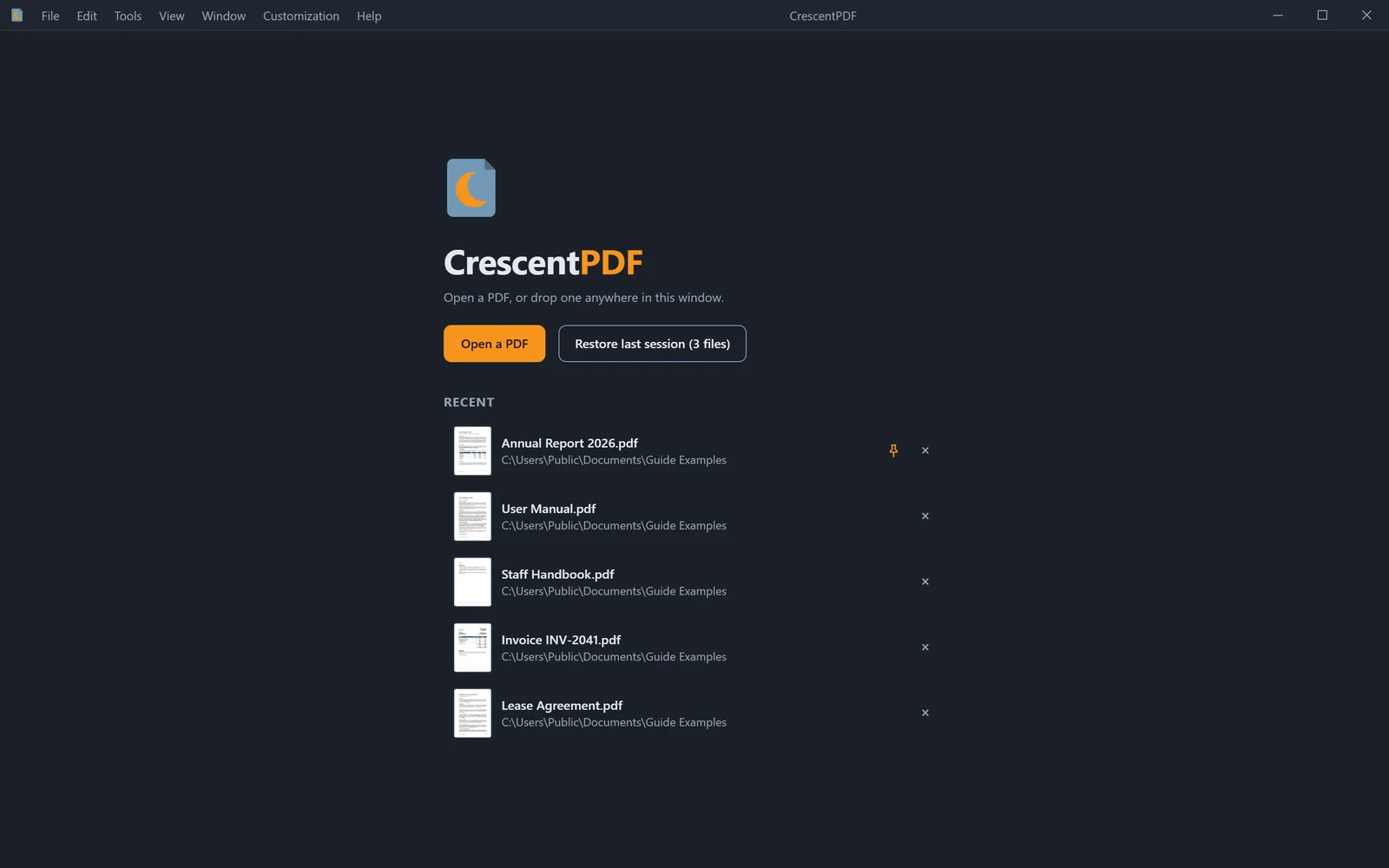
- Press Ctrl+O to open a PDF, or drag one onto the window. Each PDF opens in its own tab.
- Switch tabs with Ctrl+Tab, and close one with Ctrl+W. Closed one by mistake? Ctrl+Shift+T brings it back.
- Next time, choose Restore Last Session on the welcome screen or in the File menu to reopen the files you had open.
- To keep a set of files for later, choose File > Save Workspace. Open Workspace brings them all back, each on its own page.
 (opens full size in a new tab)