How to do it
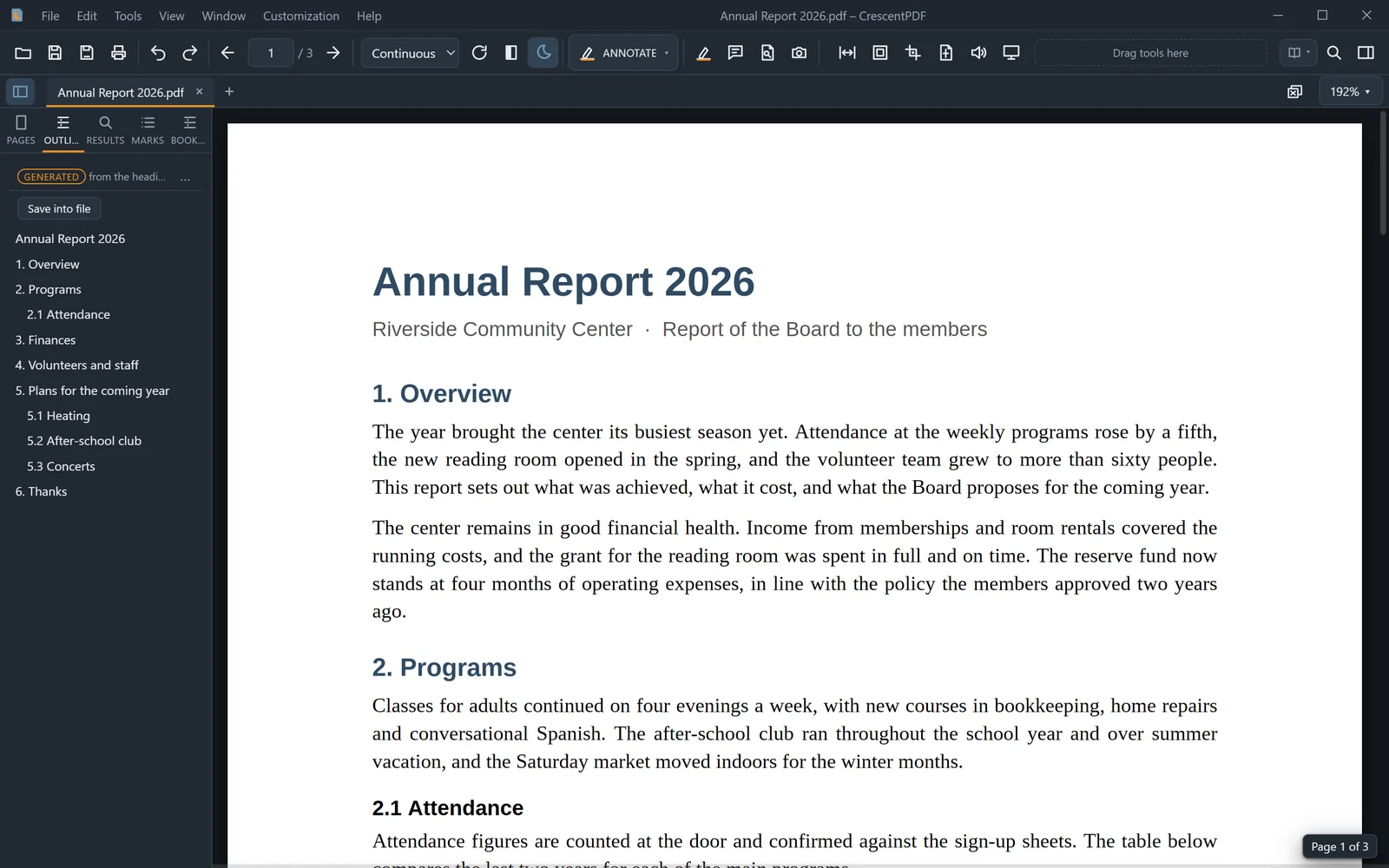
A 300-page manual with no bookmarks is hard to get around. CrescentPDF makes them from the document's own headings.
- Open the sidebar's Outline tab. A document without bookmarks gets an outline made from its headings, marked "generated".
- Click any entry to jump to that section.
- To keep it in the file, choose Save into file.
- To change it, open the Bookmarks tab and choose Edit the generated outline.
 (opens full size in a new tab)