How to do it
Flattening presses your marks, stamps, pictures and filled-in form fields into the page, so nobody can select, move or delete them in another program.
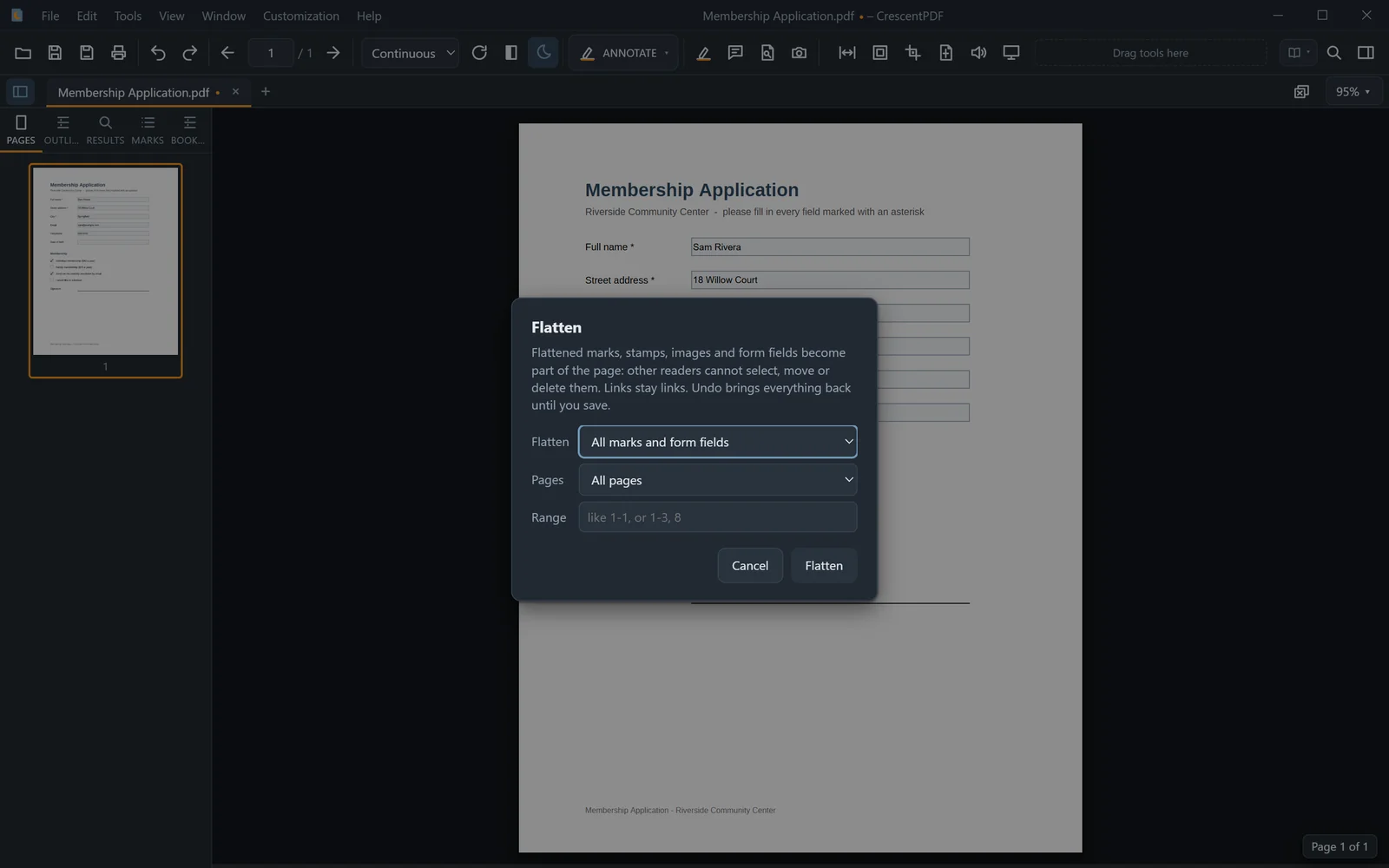
- Open the PDF and choose Tools > Flatten.
- Choose what to flatten: All marks and form fields, Marks only or Form fields only.
- Choose all pages or a range, and flatten.
- Check the pages, then save. Until you save, flattened marks are listed as "flattened" in the Marks tab, and Ctrl+Z brings them back.
 (opens full size in a new tab)