How to do it
Three more ways to save a copy, each for a different job. Your original isn't changed.
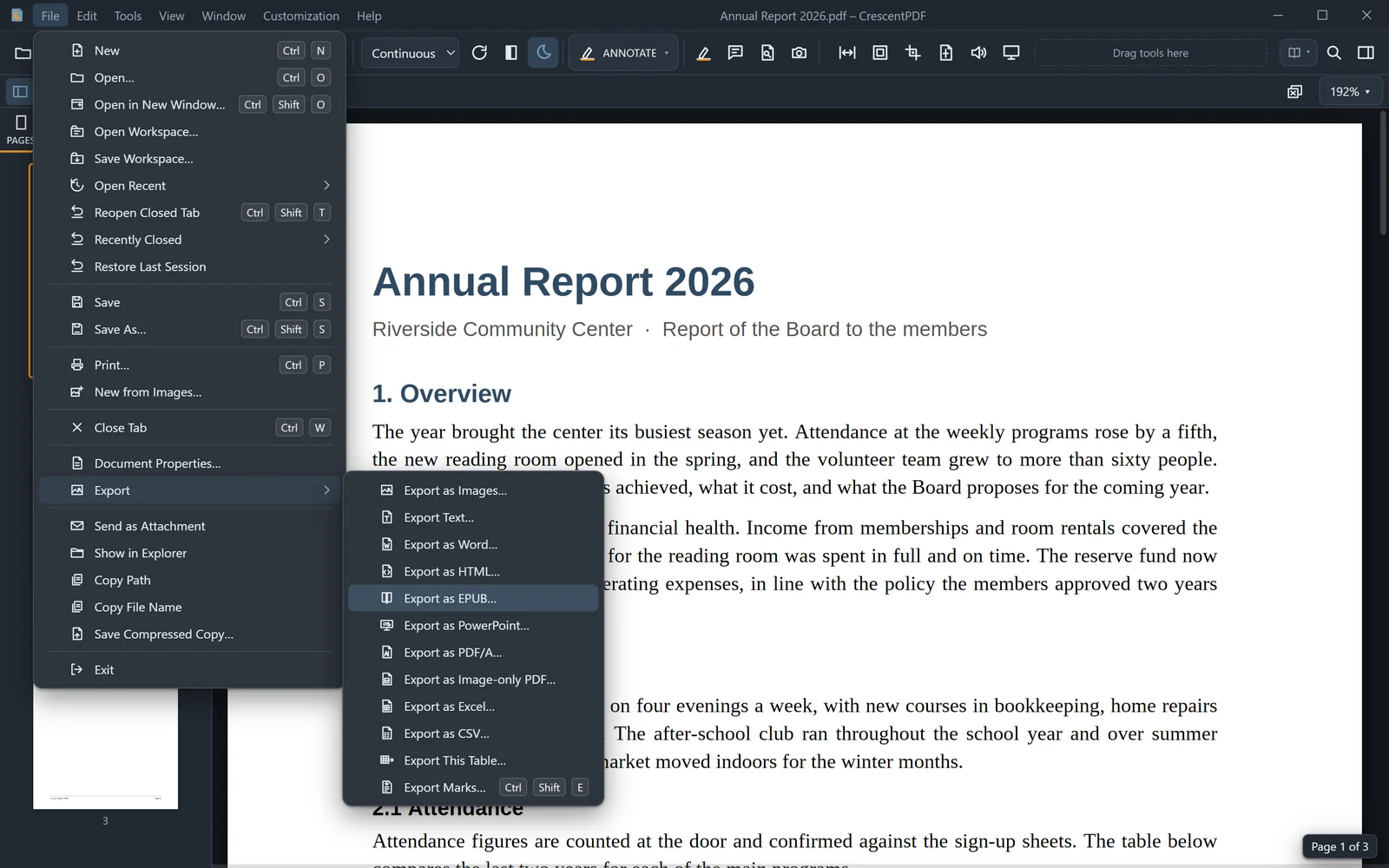
- Open the PDF and choose File > Export.
- Export as HTML saves one web page, pictures included, that any browser opens.
- Export as EPUB saves an e-book that reflows to fit any e-reader or phone, with chapters and a cover.
- Export as Image-only PDF saves a PDF in which every page is a picture of itself, with no selectable text.
 (opens full size in a new tab)