How to do it
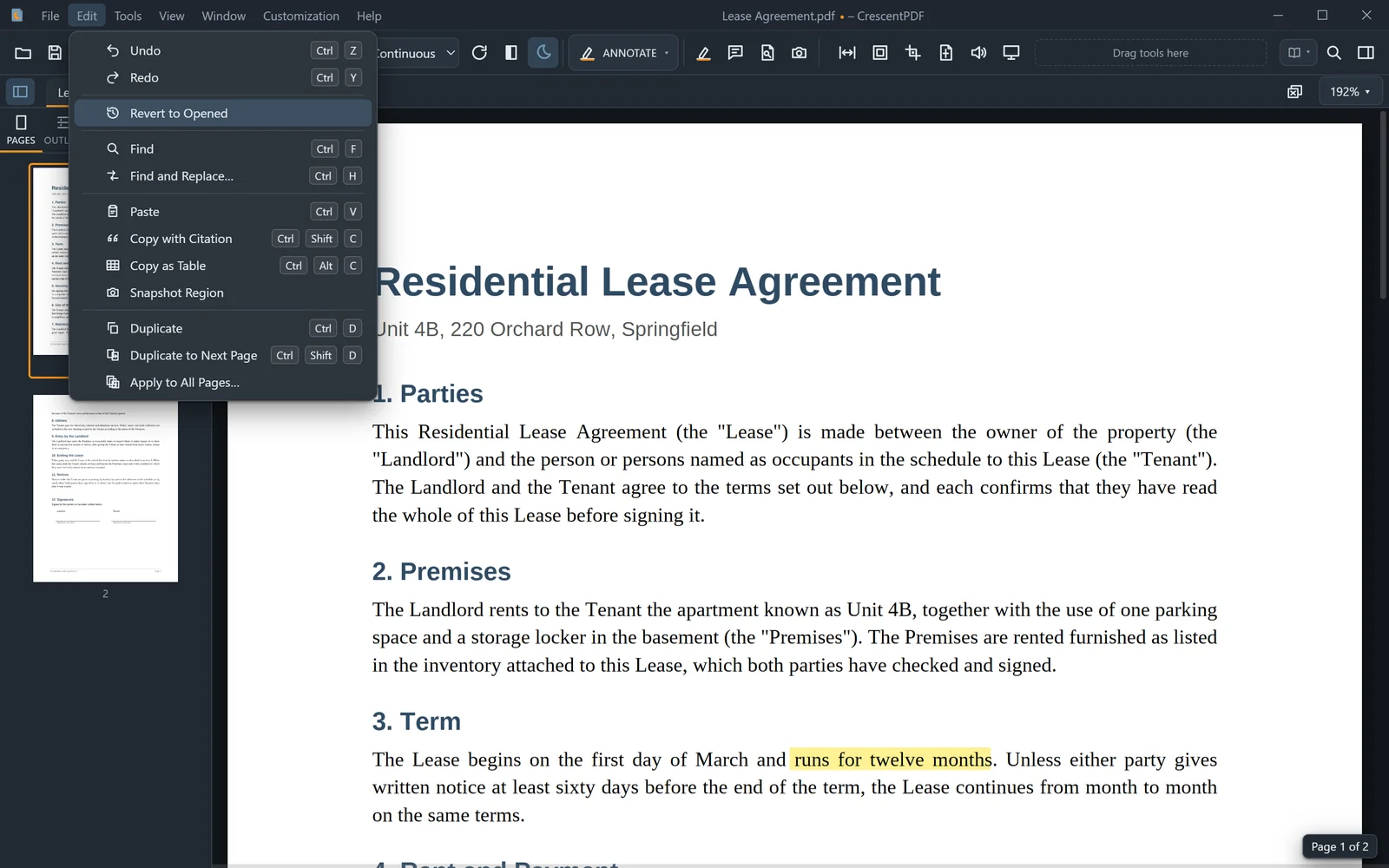
Every tab keeps one undo history for page changes, marks and bookmarks, and saving doesn't clear it.
- Press Ctrl+Z to undo, and Ctrl+Y to redo.
- Keep pressing to go further back. You can go back past a save.
- To throw away every change since you opened the file, choose Edit > Revert to Opened.
- Save if you want the file on disk to match.
 (opens full size in a new tab)