How to do it
Grab a chart, a diagram or a signature block and paste it into an email, a Word document or a slide.
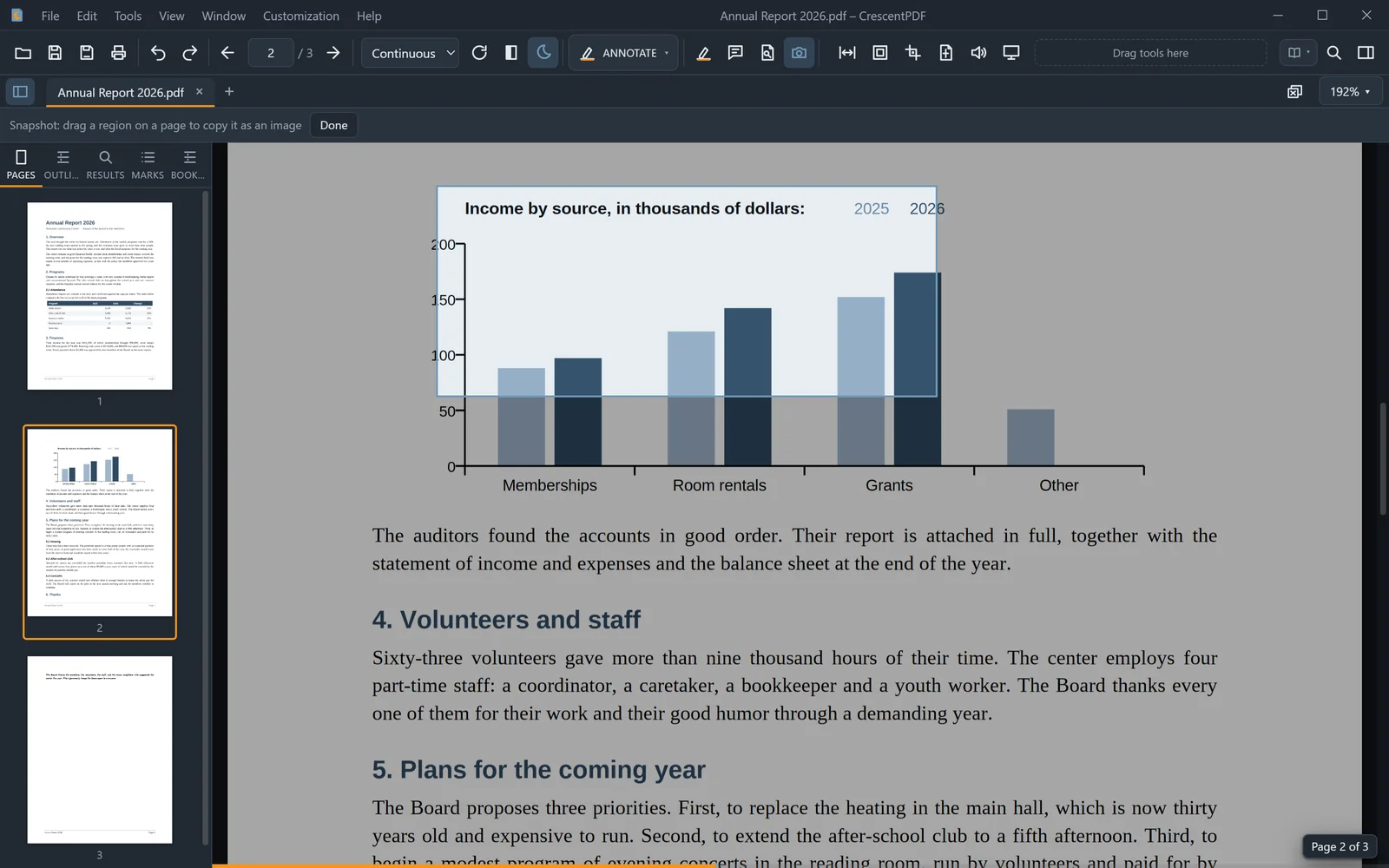
- Open the PDF and choose Edit > Snapshot Region. It's also a button on the Standard toolbar.
- Drag a box around the part you want.
- It's copied as a picture. Paste it anywhere with Ctrl+V.
 (opens full size in a new tab)