How to do it
Once it's your default, every PDF you double-click opens in CrescentPDF.
- When you install, leave Open PDF files with CrescentPDF ticked. That's all it takes.
- To change it later, right-click any PDF in File Explorer and choose Open with, then Choose another app.
- Pick CrescentPDF and choose to always use it for .pdf files.
- Double-click any PDF. It now opens in CrescentPDF.
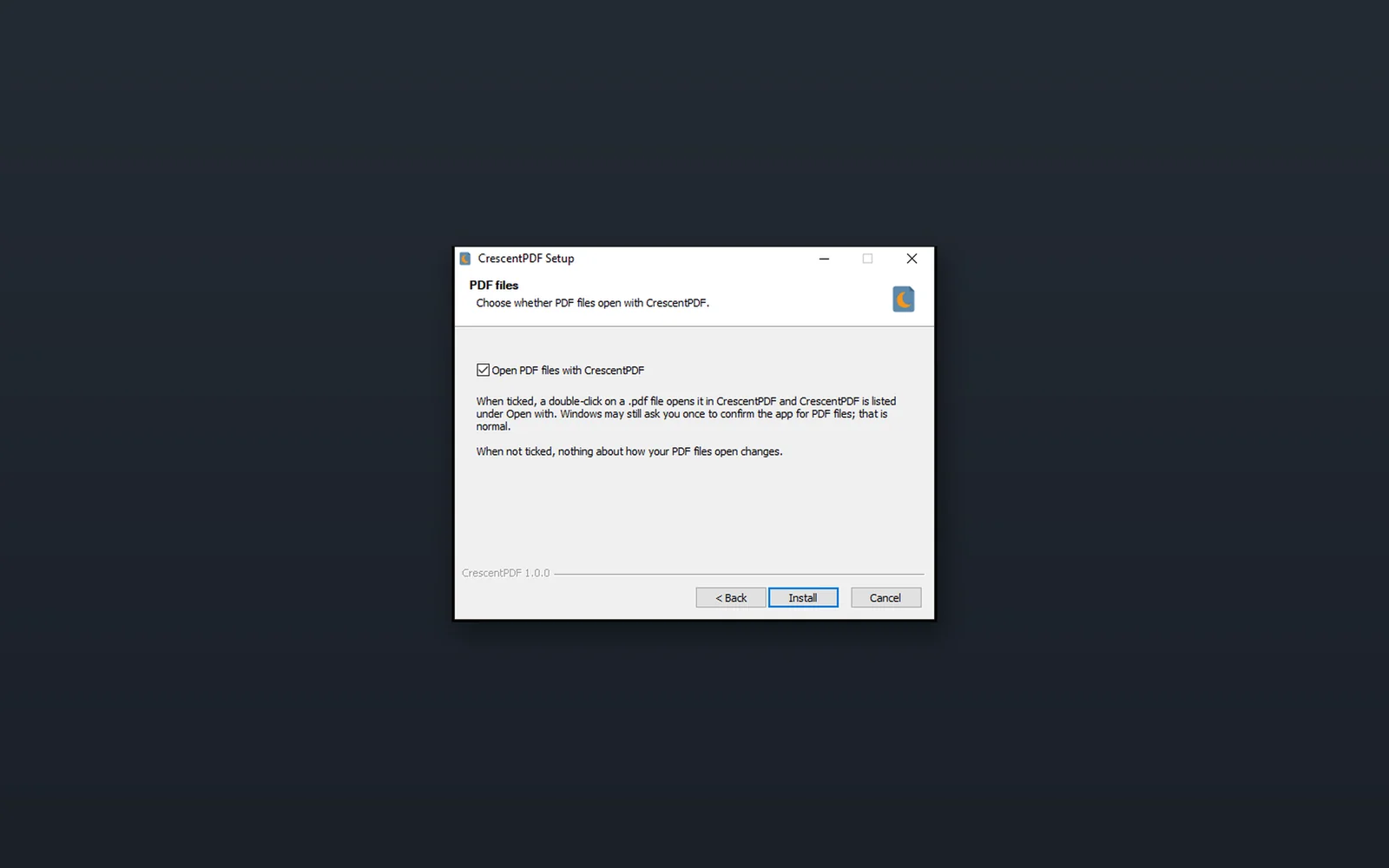 (opens full size in a new tab)