How to do it
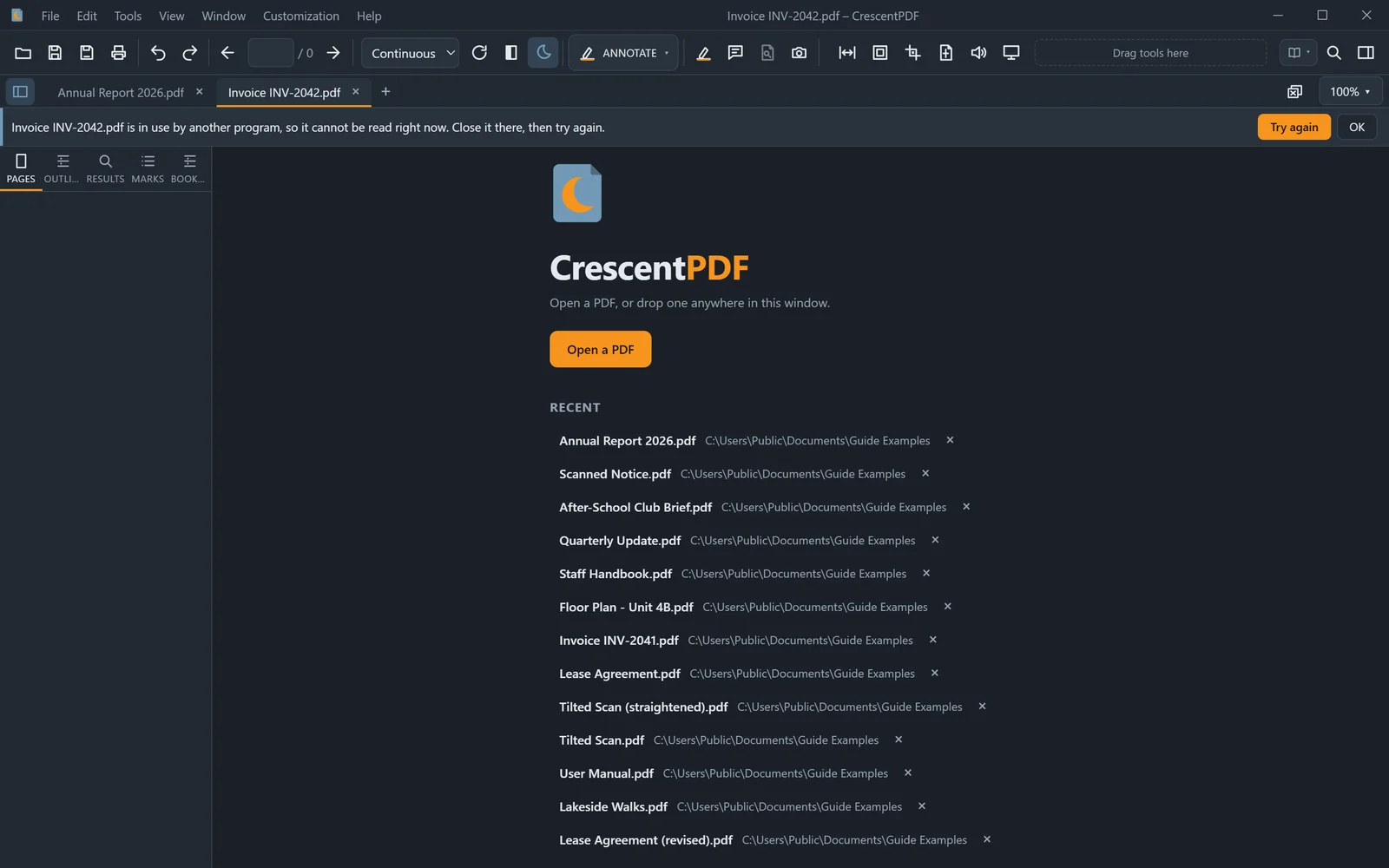
CrescentPDF says why in that file's tab, and your other tabs carry on. Here's what each message means.
- Damaged or cut short: the file is broken, often from a download or email that didn't finish. Download or copy it again.
- Not really a PDF: it's a text file, picture or zip file with a .pdf name. Open it with the program it belongs to.
- In use by another program: close it there, then click Try again.
- You don't have permission: Windows won't let you read it. Copy it to a folder of your own, or ask the person who owns it.
- It asks for a password: type the password, and it opens like any other PDF.
 (opens full size in a new tab)