How to do it
Mark the parts that matter. Every PDF reader shows your marks once you save.
- Open the PDF and choose Highlight on the toolbar. Underline and Strikethrough are in the ANNOTATE button on the toolbar, and under Tools > Annotate.
- Drag across the text to mark it. The tool stays on until you right-click or press Esc.
- Pick a color in the options strip under the toolbar. The Notes toolbar setup keeps color swatches right on the bar.
- Save to keep your marks in the file.
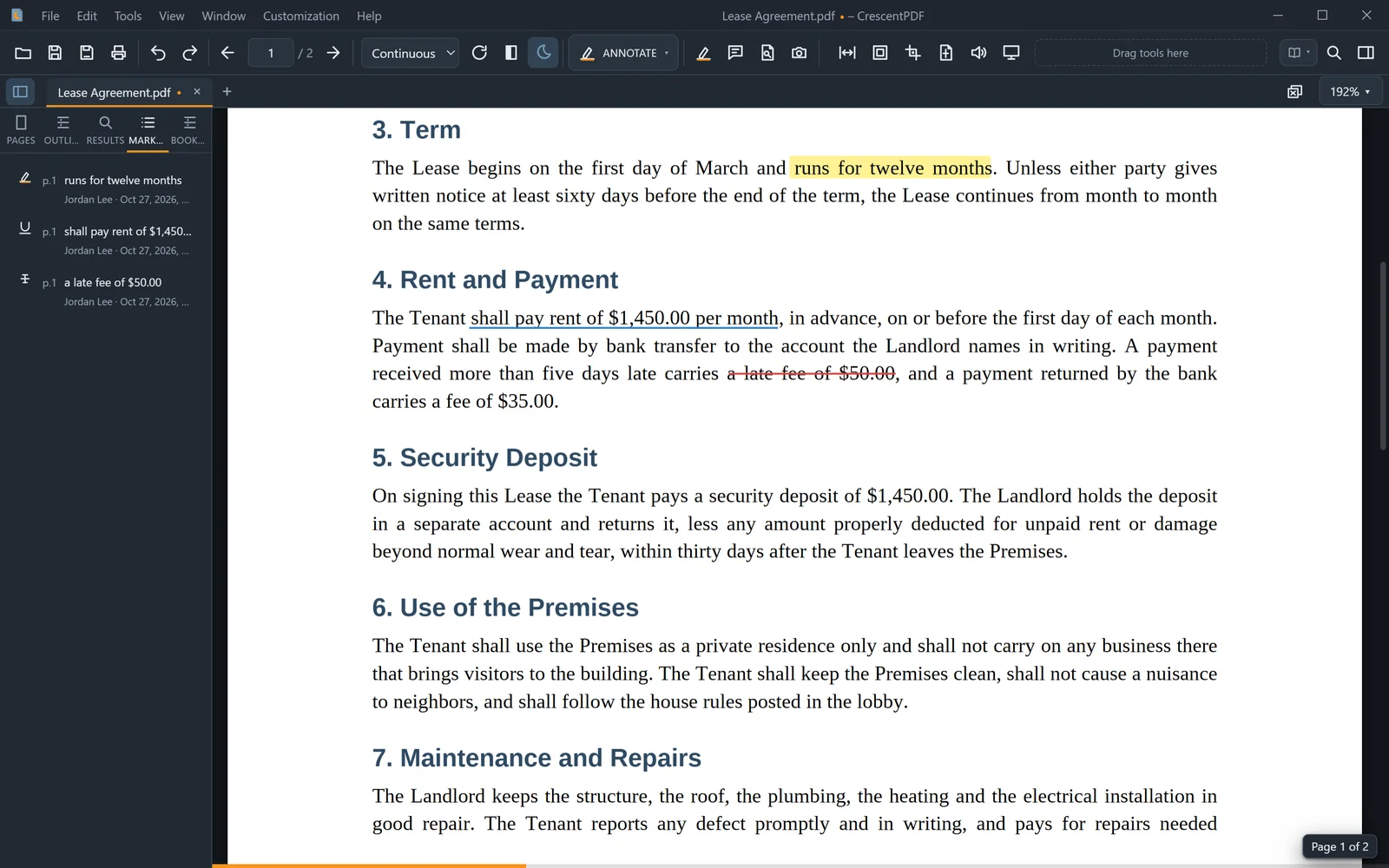 (opens full size in a new tab)