How to do it
Make a word, a heading or any part of a page jump to another page or open a website.
- Open the PDF and choose Tools > Add Link.
- Drag a box over the part of the page that should be clickable.
- Choose where it goes: type a page number or click a page's thumbnail, or type a web address.
- The link works right away. Save to keep it in the file.
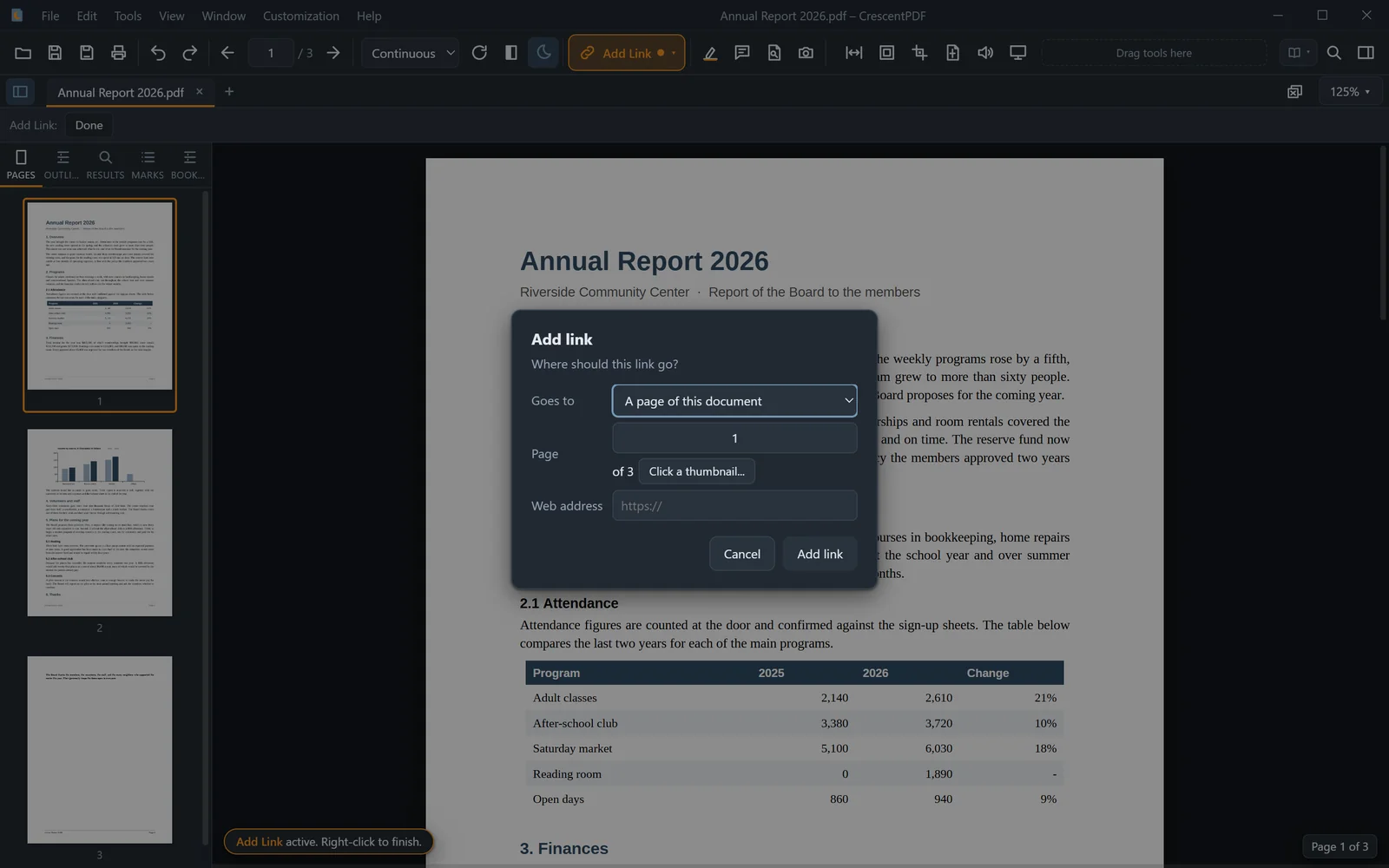 (opens full size in a new tab)