How to do it
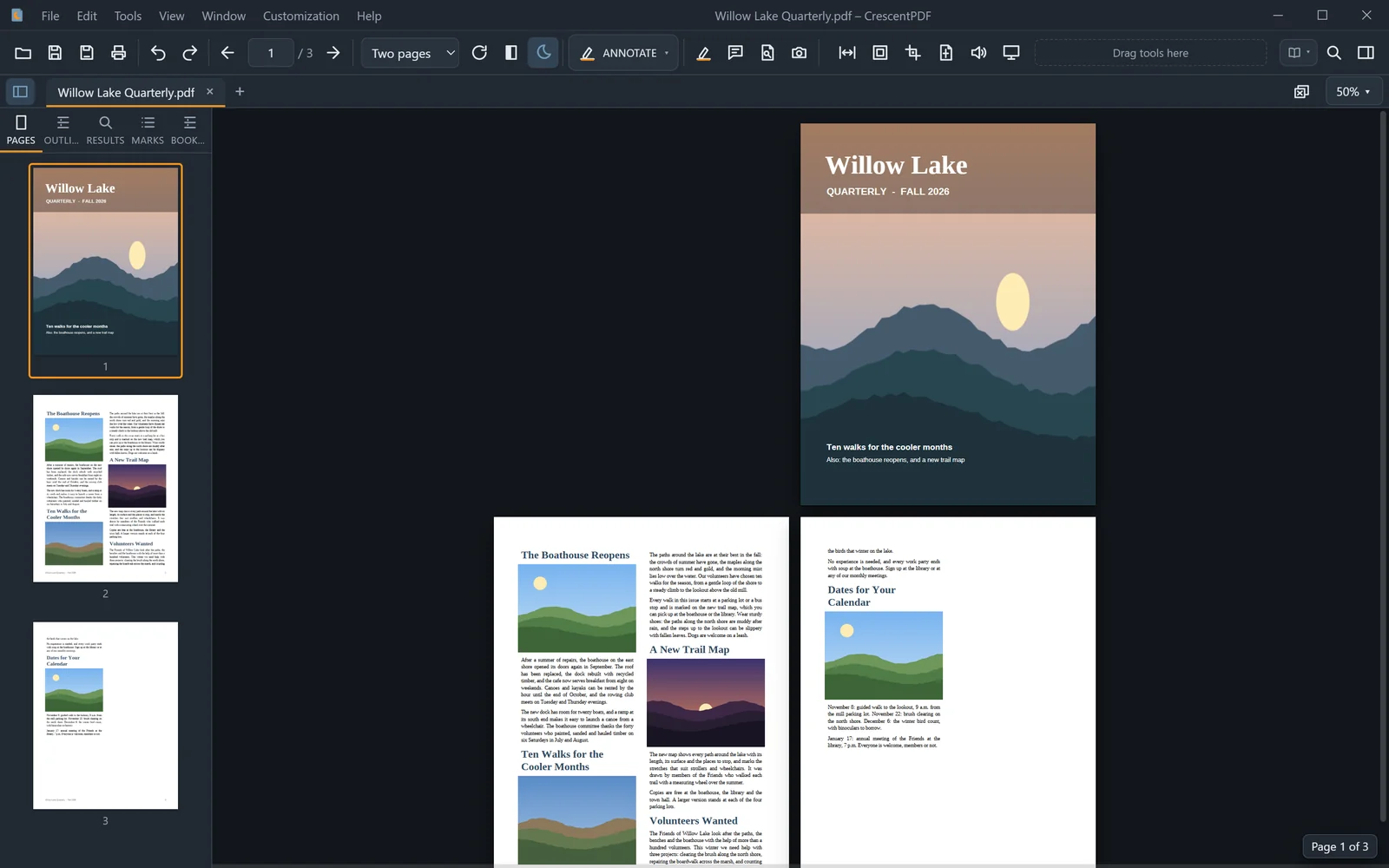
Read a magazine or a book the way it was printed, two pages at a time.
- Open the PDF and choose View > Page Display.
- Pick Two Pages for an open book, Single Page for one at a time, or Continuous for one long scroll.
- In Two Pages, tick Cover Page Alone to keep the front page on its own, so the spreads line up like the printed book.
 (opens full size in a new tab)