How to do it
Make Searchable adds hidden text under a scan. You can take it out again, or use a different OCR program you already have.
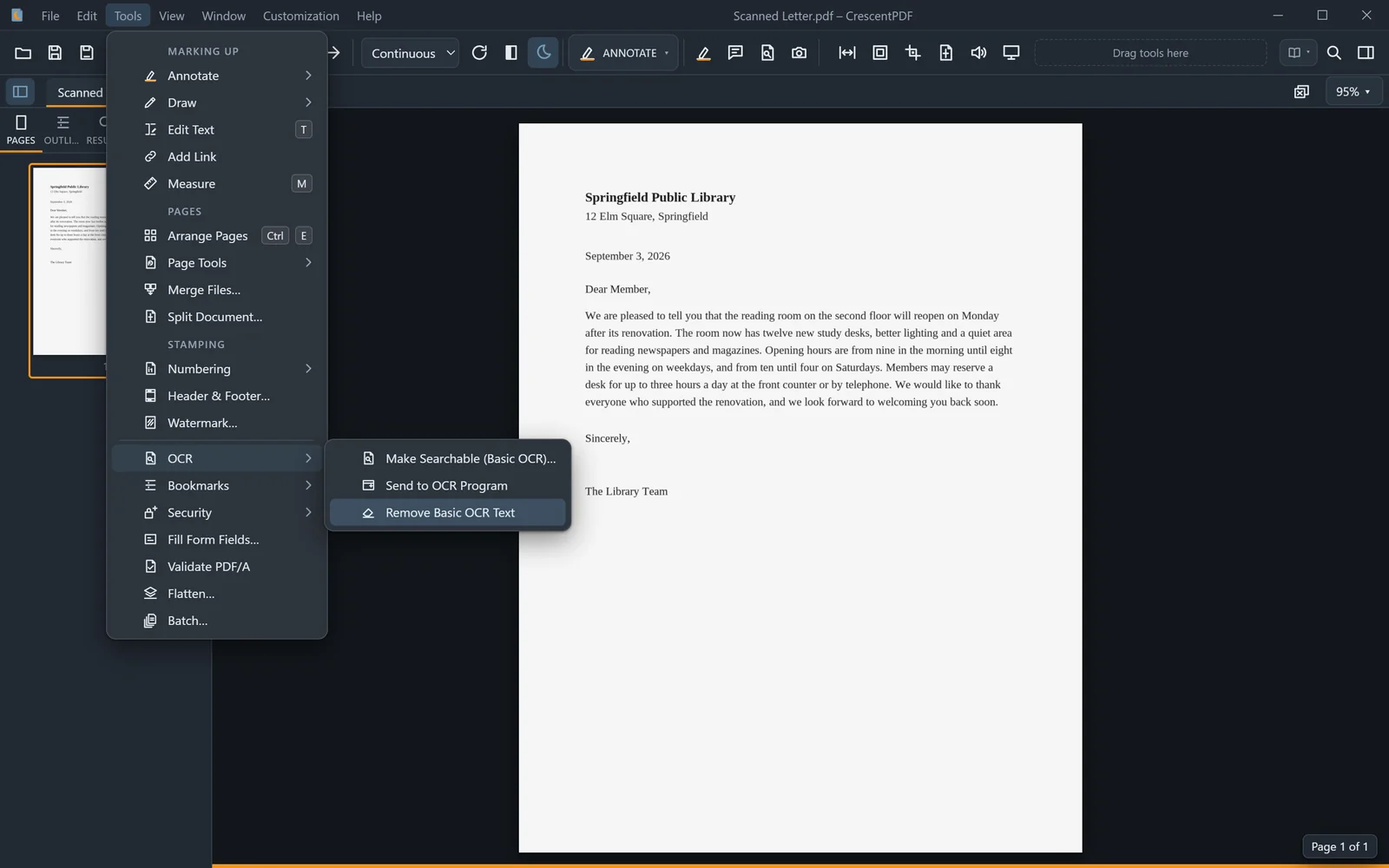
- Open the scanned PDF and open Tools > OCR.
- To take out the hidden text that Make Searchable added, choose Remove Basic OCR Text. Nothing else in the file is touched.
- To use another program, first name it in Settings (Ctrl+,), under OCR.
- Then choose Send to OCR Program. When that program has saved the file, CrescentPDF offers to reload it.
 (opens full size in a new tab)