How to do it
Sit back and read: the page moves on at the speed you set.
- Open the PDF and press Ctrl+Alt+S, or choose View > Reading Aids > Auto-Scroll.
- Press Up to speed it up, or Down to slow it down.
- Click anywhere or press Esc to stop.
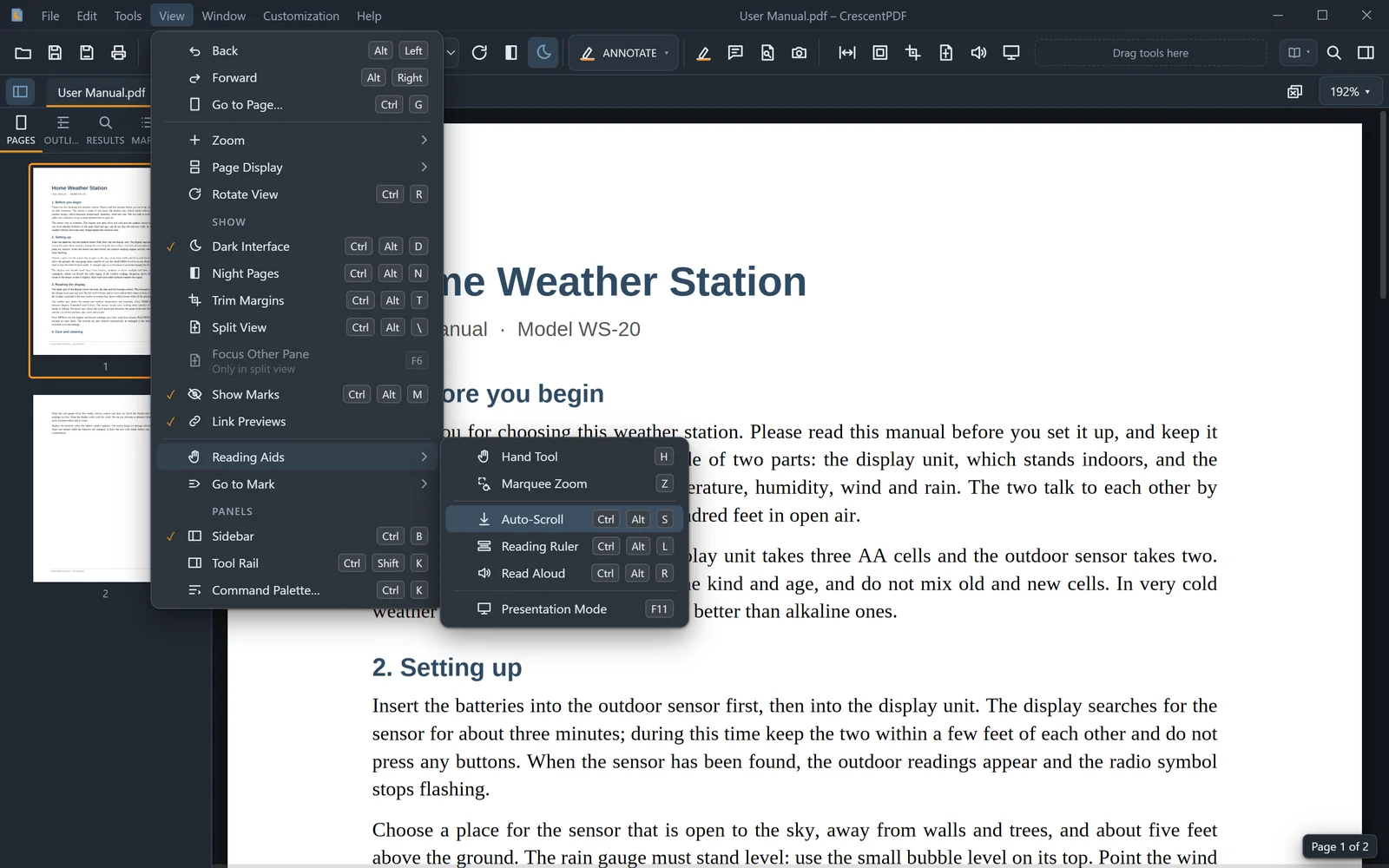 (opens full size in a new tab)